If your Google Business Profile got suspended, it didn’t happen randomly.
It’s not a “glitch.”
It’s a signal that something in your business data system is broken.
And unless you fix the root issue, your listing will either:
- Stay suspended
- Get reinstated… and suspended again
Let’s fix this properly.
Why Google Suspends Business Listings in India
Google doesn’t suspend businesses.
It suspends inconsistent, risky, or untrusted data.
Here are the most common triggers:
1. NAP Mismatch (Biggest Leak)
Your:
Don’t match across the internet.
This breaks trust instantly.
2. Keyword Stuffing in Business Name
Example:
“Best SEO Agency in Delhi | #1 Digital Marketing Company”
Google sees this as manipulation.
3. Address Issues (Virtual / Fake Locations)
Using:
- Virtual offices
- Co-working spaces (without eligibility)
- Fake addresses
High-risk in India → instant suspension trigger
4. Category Violations
Choosing irrelevant or misleading categories.
5. Multiple Listings for Same Business
Duplicate profiles = red flag.
6. Sudden Profile Changes
- Changing business name
- Changing address
- Changing category
Too fast = suspicious behavior.
Types of Suspension
Soft Suspension
- Listing still visible
- But you can’t manage it
Hard Suspension
- Listing completely removed from Google Maps
The Real Problem: Your Data System Is Broken
Most people rush to appeal.
But here’s the mistake:
They don’t fix the root cause first.
So even if Google reinstates the listing…
It gets suspended again.
Step-by-Step Google My Business Suspension Recovery (India)
Step 1: Audit Your Business Data (Critical)
Before anything else, fix your leaks.
Check:
- Business name (real-world name only)
- Address (must be legitimate & serviceable)
- Phone number (consistent everywhere)
Also audit:
- Website
- Directories (Justdial, Sulekha, IndiaMART)
Step 2: Fix Violations
Remove:
- Extra keywords in business name
- Fake addresses
- Duplicate listings
Correct:
This is where most recoveries fail—they skip this step.
Step 3: Gather Proof (Very Important)
Google may ask for verification.
Prepare:
- Business registration certificate
- GST certificate
- Utility bill (with business address)
- Shop signage photo
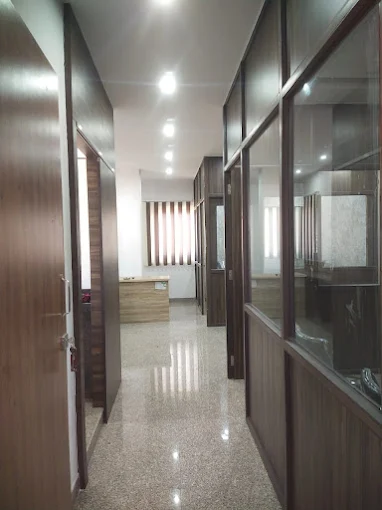
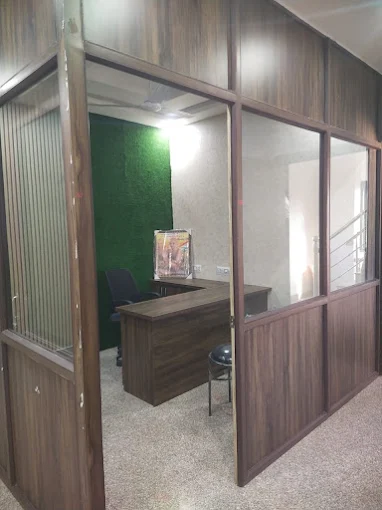
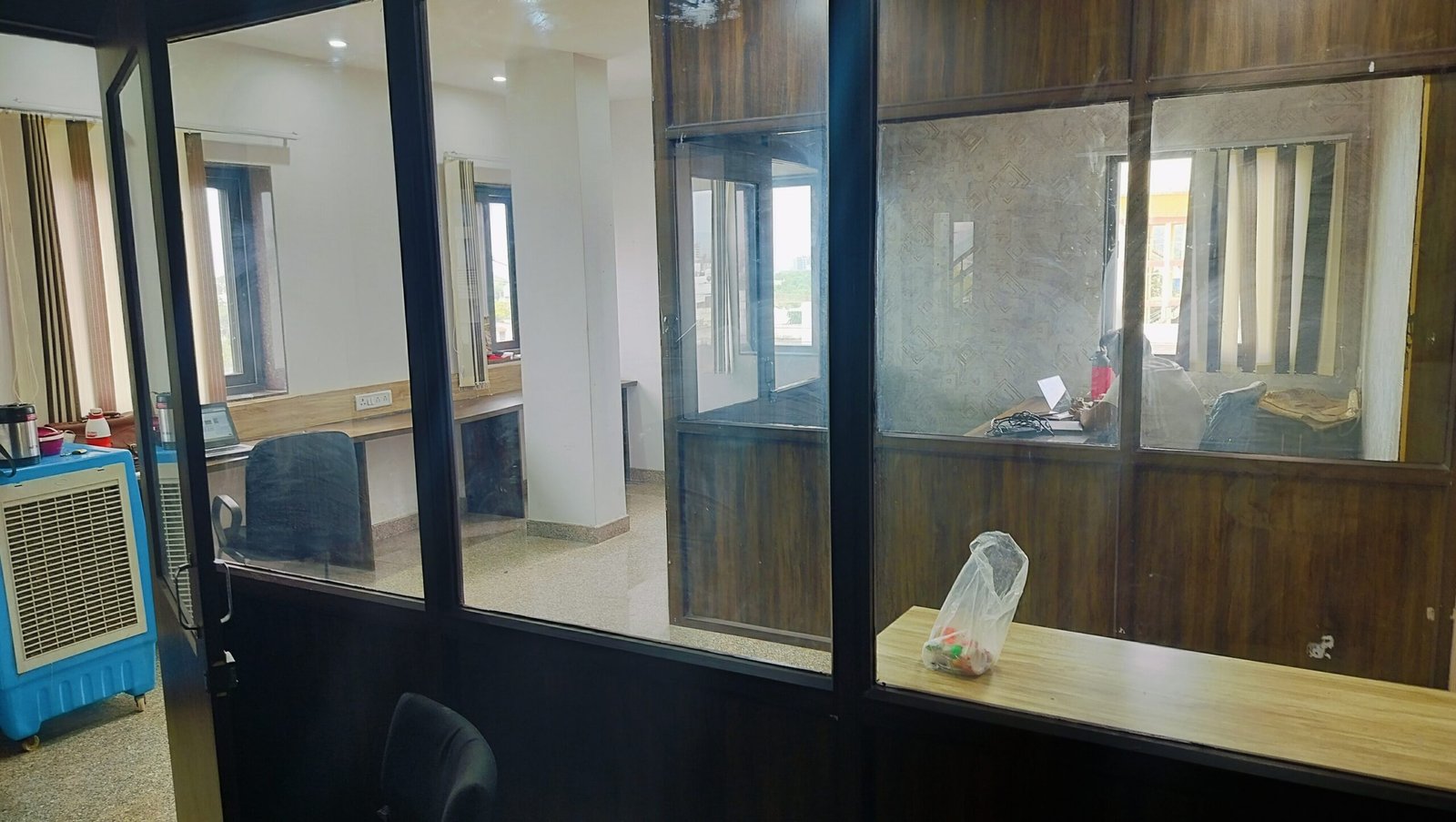
- Office interior/exterior photos
Make sure everything matches your listing exactly.
Step 4: Submit Reinstatement Request
Go to Google’s reinstatement form and submit:
Include:
- Accurate business details
- Explanation of fixes you made
- Supporting documents
Step 5: Wait (and Don’t Panic Edit)
Typical timelines in India:
- 3–7 days (best case)
- 2–4 weeks (common)
Don’t:
- Keep editing your profile
- Submit multiple requests
This can delay recovery.
Common Mistakes That Kill Recovery Chances
- Submitting appeal without fixing issues
- Using fake documents
- Creating a new listing instead
- Ignoring duplicates
- Over-optimizing again after recovery
Why Listings Get Suspended Again
Because the system was never fixed.
If your:
- Data is inconsistent
- Address is weak
- Authority is low
You’re still at risk.
The Right Way to Think About It
Suspension is not the problem.
It’s a symptom.
The real issue is:
Broken trust signals in your local SEO system
Fix those → recovery + rankings improve
Ignore them → repeat suspensions
How Long Does Recovery Take in India?
- Simple fixes: 3–10 days
- Complex cases: 2–6 weeks
- Severe violations: may require multiple attempts
How to Prevent Future Suspension
Once recovered:
- Keep NAP consistent everywhere
- Avoid frequent major edits
- Don’t keyword-stuff
- Maintain activity (posts, reviews, updates)
- Build real authority (links, mentions)
Final Thought
Most businesses treat suspension like a technical issue.
It’s not.
It’s a trust breakdown in your business data system.
Fix the system—not just the listing—and you won’t just recover…
You’ll rank stronger than before.